
Online Image Fade Tool
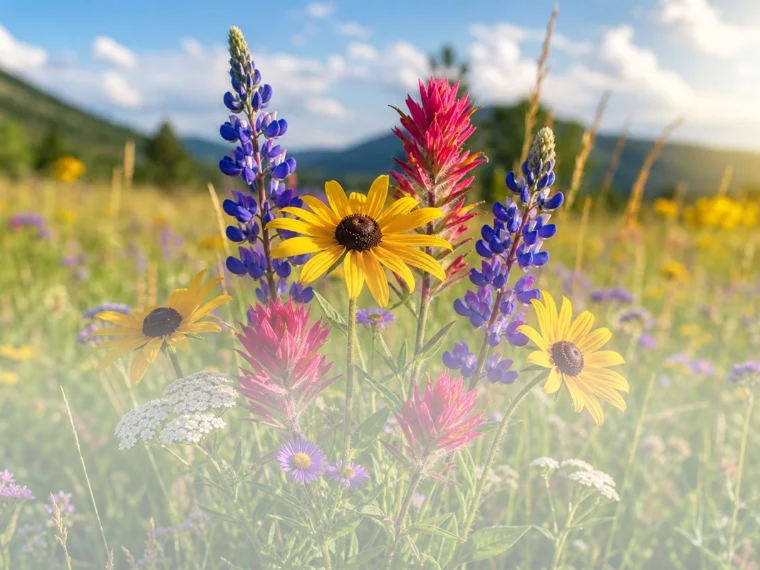
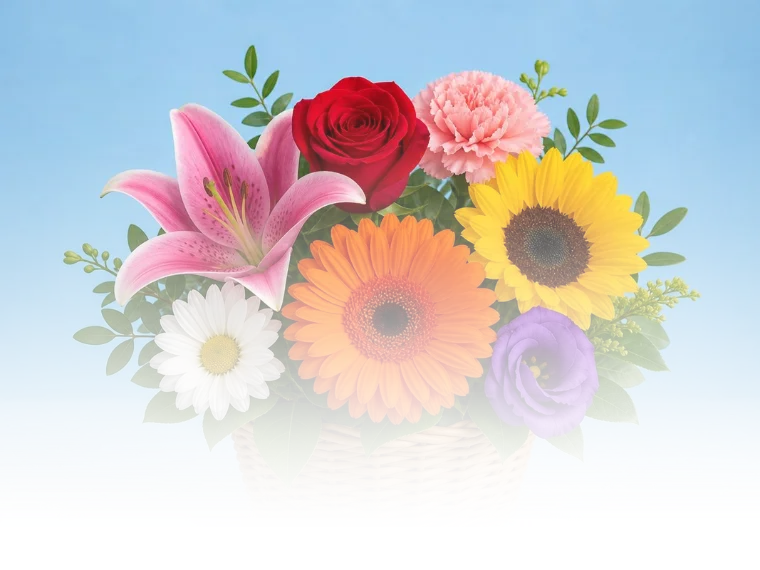
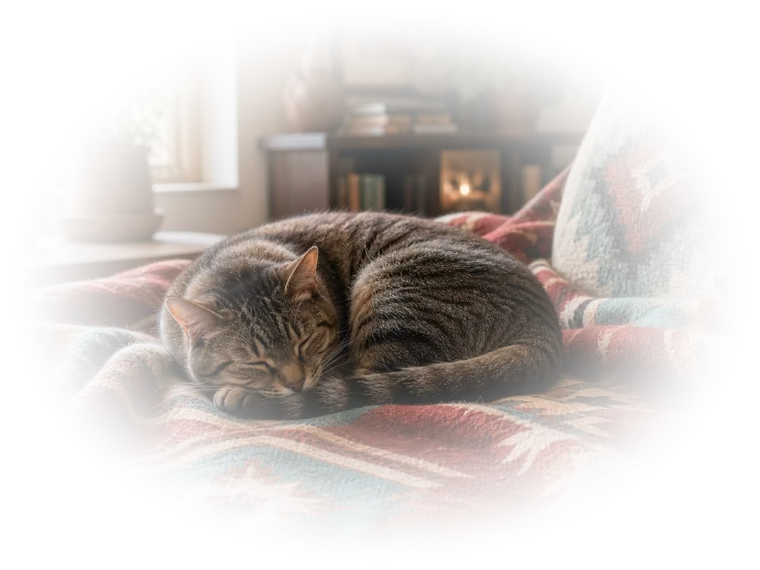
Fade an Image to Transparency
Create a smooth transparent gradient from a chosen edge or center point
- Choose a linear fade for a directional gradient or a radial fade around a point.
- Set the position, strength, softness, and curve, or invert the gradient.
Fade a photo smoothly into another background instead of ending it at a hard edge. A linear gradient can make the image disappear across a chosen direction, while a radial gradient can fade toward or away from a selected center point.
Move and rotate the fade directly over the image, then adjust its strength, softness, and curve. Invert the mask when you want the opposite side or center to remain visible. This works well for overlays, banners, collages, and blended graphics.
Edit Edges: Fade, Crop & Add Overlays
 Brushstrokes
 Light Leaks
 Blurred Border
 Color Scratches
 Fade Out
 Focus Frame
 Rounded Corners
 Shape Editor
 Star Mask
 Swirly Edges
 Stardust
 Swirl Stack
 Jagged Edge
 Vignette
Frames & Borders
 Border
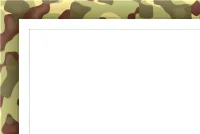 Camouflage
 Fabric Frame
 Fade Frame
 Film Strip
 Flower Frame
 Fruity Frame
 Grass Frame
 Hearts Frame
 Instant Camera
 Mosaic Frame
 Ornament Frame
 Pastel Frame
 Pastel Frame II
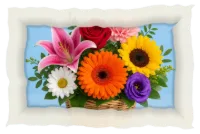 Paper Border
 Plasma Frame
 Soft Shadow Border
 Solid Color
 Stone Frame
 Wooden Frame

Recolor, Tone, add FX
 Lomo
Lomo
 Crystal Contrast
 Soft Amber
 80s Flash
 Autumn's Glow
 Winter's Breeze
 Film Grader
 Grain & Texture
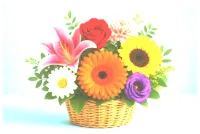 Dreamy Blend
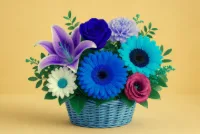 Color Swap
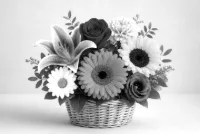 Grayscale
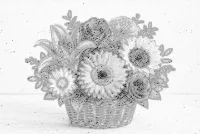 Pencil Sketch
 Painting
 Pixelate
 HDR Photo
 Retro
Retro
 Sepia Tone
 Tritone
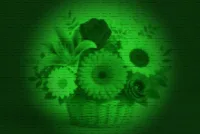 Night Vision
 Ghost
Ghost
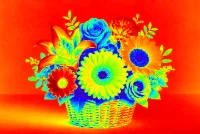 Heatmap
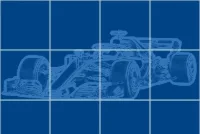 Blueprint
Photo Montages & Creative Effects
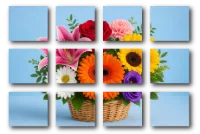 Canvas Tiles
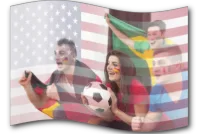 Flag Collage
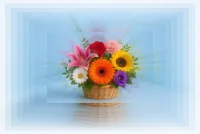 Infinity
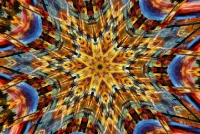 Kaleidoscope
 Motivational Poster
 Newscast
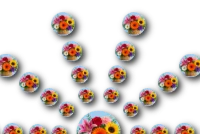 Photo Circles
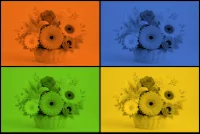 Pop Art
 Postage Stamp
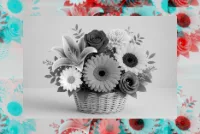 Stereodelic
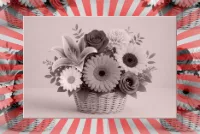 Sunburst
 Tile Mosaic
 Wall Painting
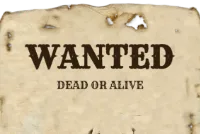 Wanted Poster
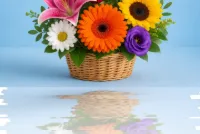 Reflection
 Color Swirl