


































Create with shapes and brushes
Choose from ready-made shapes and a range of brush tips. Fill shapes and brushstrokes with rich textures, smooth gradients or intricate fractal patterns.


Photo editor for Windows & Mac · Free 7-day trial
Creative photo editing without a steep learning curve. Tuxpi Studio feels familiar from the start, while giving you precise controls and retouching tools for fine-tuning every detail.
Secure download from Tuxpi.com
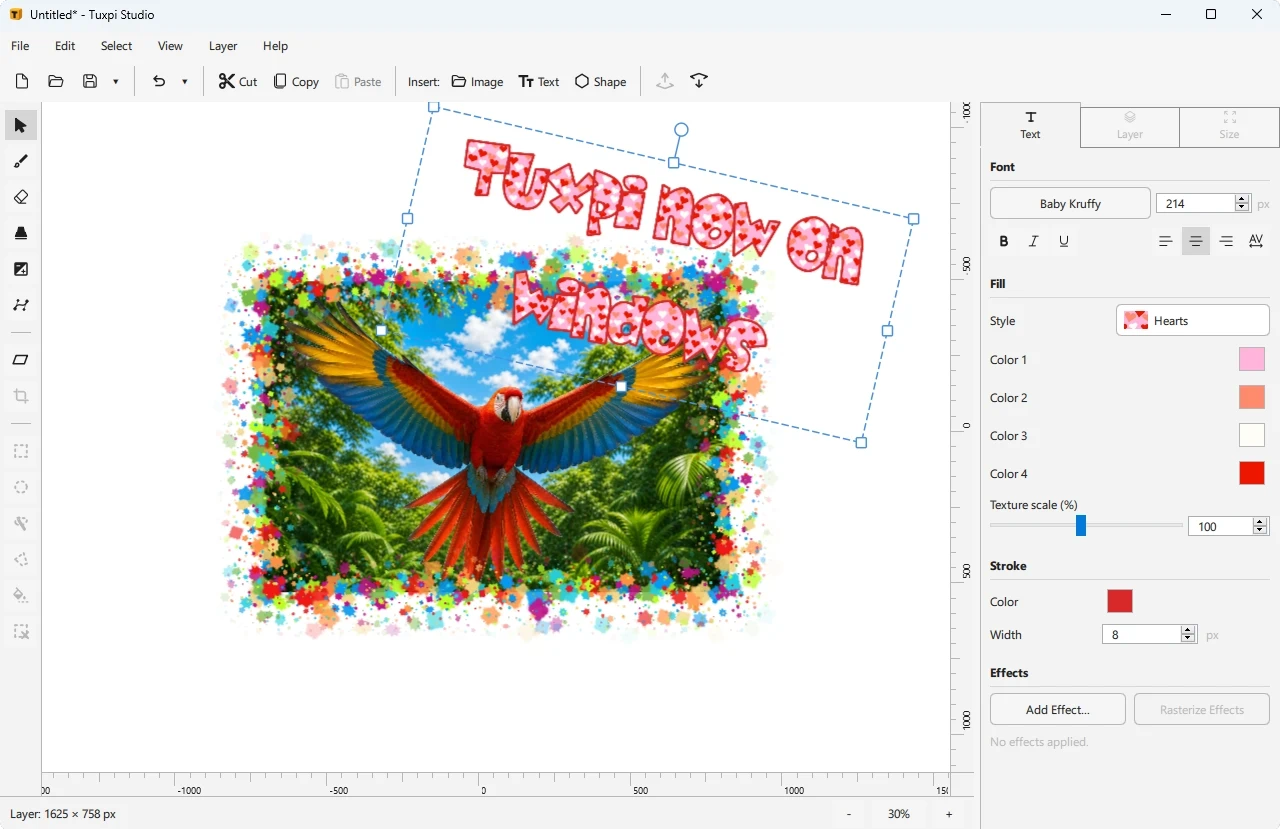
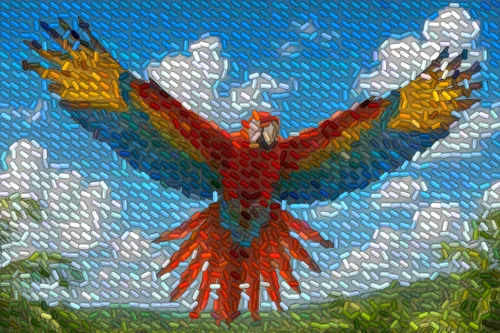
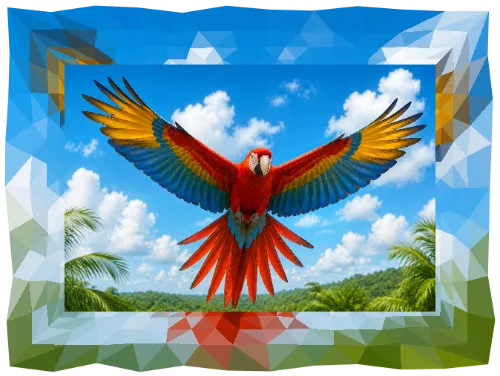
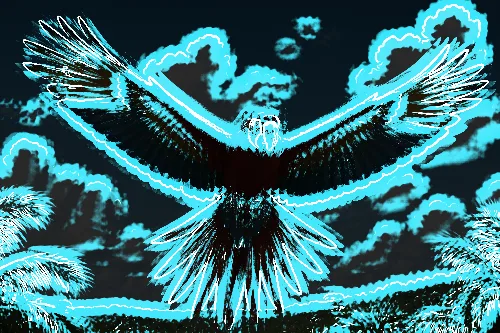
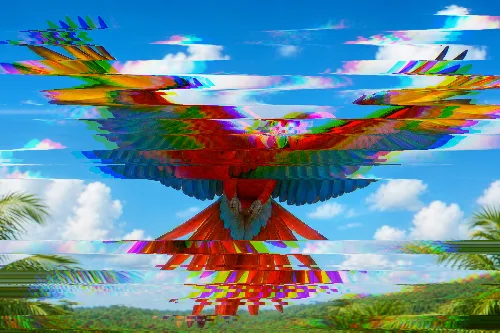
All the effects you know from the Tuxpi online editor are included, plus these additional effects and borders. In total, Tuxpi Studio comes with over 80 effects, frames and borders.
Preview changes live, adjust the details and add shapes or brushwork with the freedom to make changes later.
Choose from ready-made shapes and a range of brush tips. Fill shapes and brushstrokes with rich textures, smooth gradients or intricate fractal patterns.

Get higher-quality results from Tuxpi's effects, with finer controls and live previews. The native desktop app for Windows and Mac provides smoother performance for more demanding projects.
Apply every Tuxpi effect at higher quality and preserve more detail in your finished image.
Save your work and return later to adjust layers, effects and other settings.
Sketch, annotate and add hand-drawn details directly to your photos.
Correct exposure and fine-tune your image before adding creative effects.
Tuxpi Studio is a one-time purchase with no recurring fees. Each license covers up to two devices and includes upgrades to new versions at no extra cost for two years after purchase.

Download Tuxpi Studio and explore its creative tools free for seven days.
Secure download from Tuxpi.com