














Give Your Photo a Retro Look
Create a nostalgic photo edit with custom tint, lifted shadows, and textured grain
- Add faded color, lifted shadows, and film-like grain to any photo.
- Choose a tint and adjust its strength, color spread, contrast, saturation, grain, and sharpness.
Recreate the soft color and textured character of an older print with an adjustable retro filter. A custom tint changes the overall mood, while shadow lift and grain give clean digital images a more aged appearance.
Keep the settings restrained for a gently nostalgic portrait, or increase the tint, color spread, and grain for a more stylized poster, album cover, or social graphic.
 Brushstrokes
 Light Leaks
 Blurred Border
 Color Scratches
 Fade Out
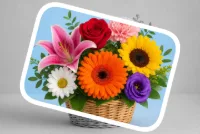 Focus Frame
 Rounded Corners
 Crop Photos Into Shapes
 Star Mask
 Swirly Edges
 Sparkles & Glitter
 Swirl Stack
 Jagged Edge
 Vignette
 Border
 Camouflage
 Fabric Frame
 Fade Frame
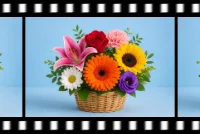 Film Strip
 Flower Frame
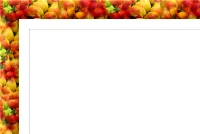 Fruity Frame
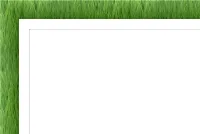 Grass Frame
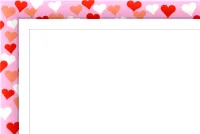 Hearts Frame
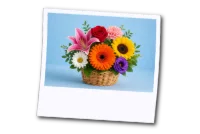 Instant Photo Frame
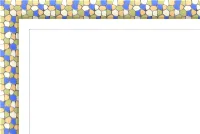 Mosaic Frame
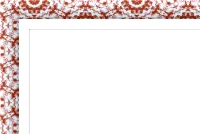 Ornament Frame
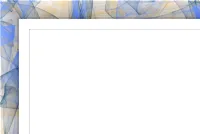 Pastel Frame
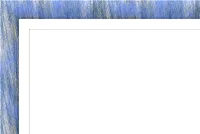 Pastel Frame II
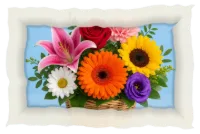 Paper Border
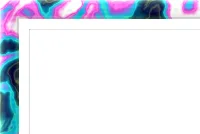 Plasma Frame
 Soft Shadow Border
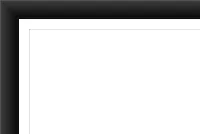 Solid Color
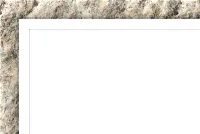 Stone Frame
 Wooden Frame

 Lomo
 Crystal Contrast
 Soft Amber
 80s Flash
 Autumn's Glow
 Winter's Breeze
 Film Grader
 Grain & Texture
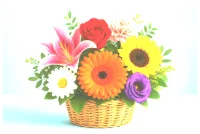 Dreamy Blend
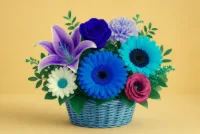 Color Swap
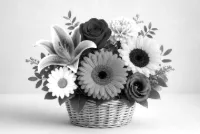 Grayscale
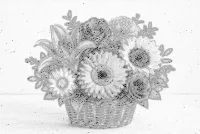 Pencil Sketch
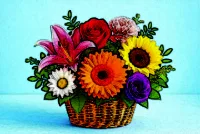 Painting
 Pixelate
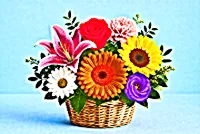 HDR Photo
 Retro
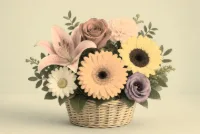 Sepia Tone
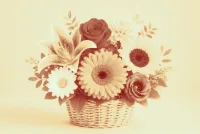 Tritone
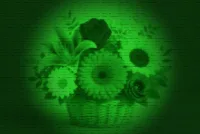 Night Vision
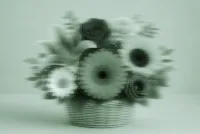 Ghost
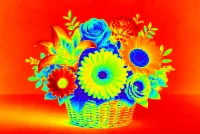 Thermal Photo Filter
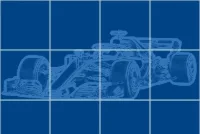 Blueprint
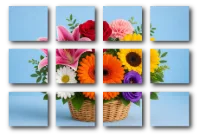 Canvas Tiles
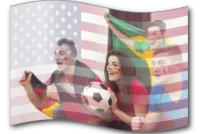 Flag Collage
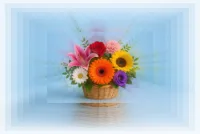 Infinity
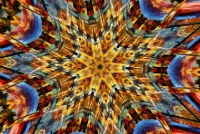 Kaleidoscope
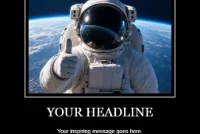 Motivational Poster
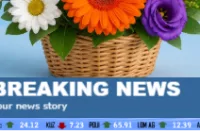 Newscast
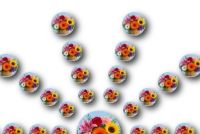 Photo Circles
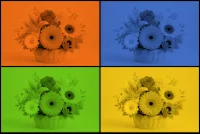 Pop Art
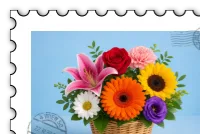 Postage Stamp
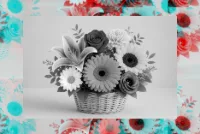 Stereodelic
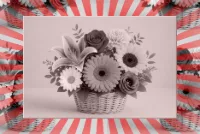 Sunburst
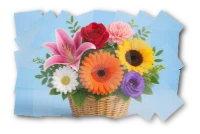 Tile Mosaic
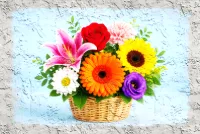 Wall Painting
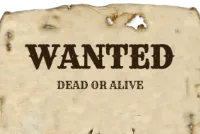 Wanted Poster
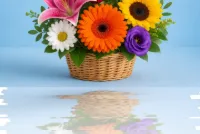 Reflection
 Color Swirl
 Pocket Cosmos

 Fire Frame
 Selective Color
 Funhouse Lens
 Paint Splatter Frame
 Comic Book
 Bubble Border
 Voltage Ink
 Cotton Candy Border
 Signal Melt
 Chrome Border
 Ocean Border
 Color Brush Frame
 Gradient Border
 Frosted Border
 Neon Border
 Lenticular Glass
 Bokeh
 Confetti Strokes Frame
 Prism Flare
 Zoom Trails
 Riso Press
 Embroidery
 Art Deco Border
 Braided Rope Frame
 Lace Cutout Frame
 Polygon Frame
 Paper Diorama