
Online Painted Photo Border
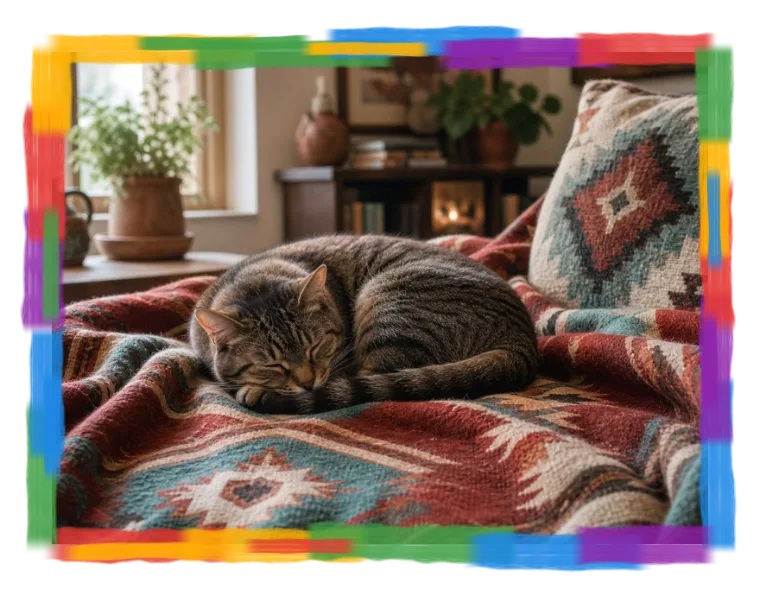
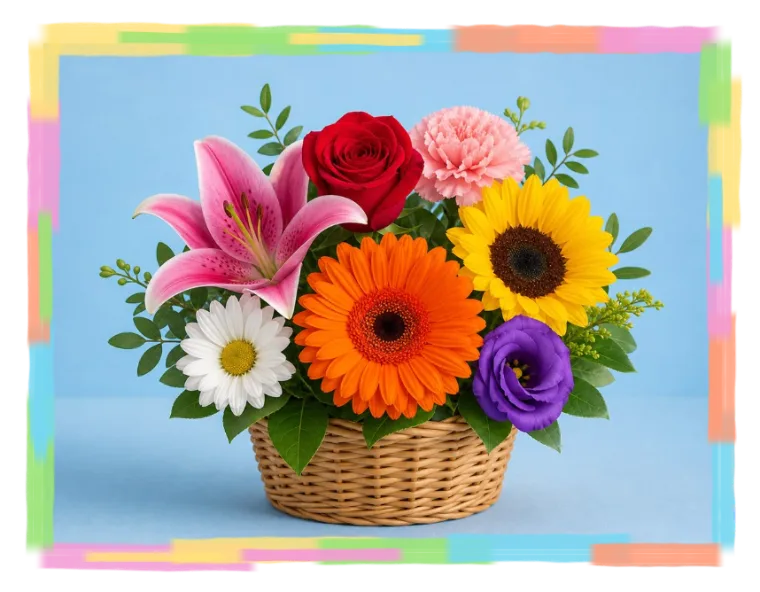
Color Brush Frame
Add layered multicolor brush strokes, rainbow frame colors, or custom paint tones around your photo
- Add a color brush frame around your image.
- Create a painted photo border, rainbow frame, multicolor brush frame, or handmade poster edge.
- Choose presets or customize five paint colors, frame size, brush width, roughness, and variation.
- Try it instantly in your browser. No installation required, free and easy.
Use the color brush frame to create a bright hand-painted border for posters, invitations, collages, school projects, profile pictures, thumbnails, and social posts.
The frame is generated procedurally from layered brush strokes. Use the rainbow preset for a colorful rainbow frame, or adjust the colors and brush texture to make the border more playful, bolder, or softer.