
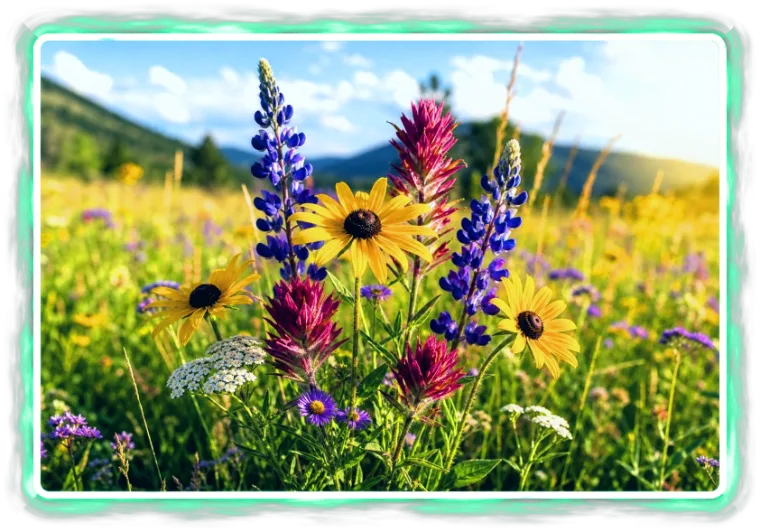
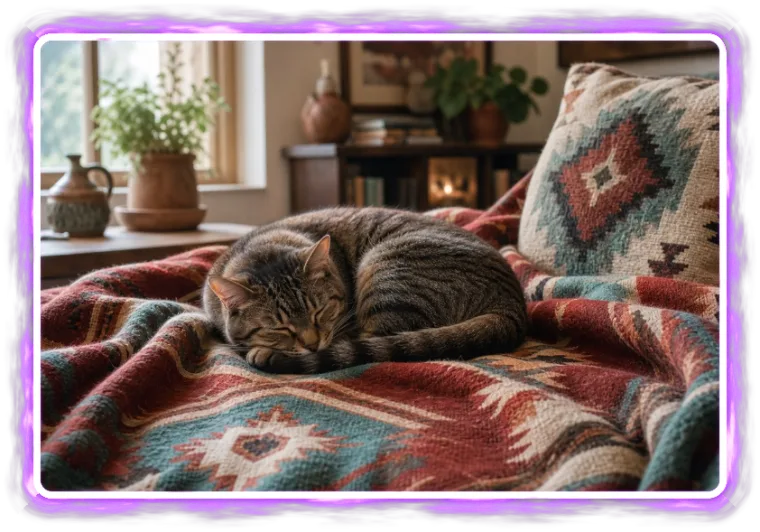
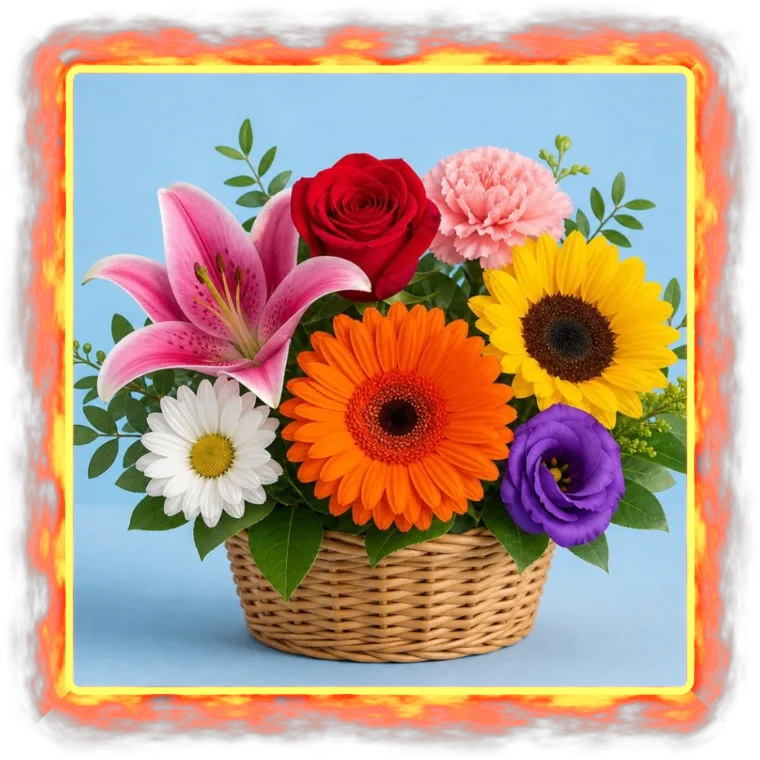
Online Neon Photo Border
Neon Brush Border
Add a bright neon border with brush or fluid style, custom colors, and transparent edges
- Create a neon brush border around your photo.
- Switch between brush texture and smooth fluid glow styles.
- Choose color presets or adjust the border size, texture or flow, glow, roundness, colors, and variation.
- Try it instantly in your browser. No installation required, free and easy.
Use the neon brush border to give a photo a vivid glowing edge without covering the center of the image. The brush style feels hand-painted, while the fluid style creates a smoother liquid neon frame.
The border is generated from layered texture, flow, and glow, so small changes to the variation control can create a different edge. Export with a transparent background when you want the glow to stay clean for stickers, thumbnails, layouts, or designs.